A practical guide to the platforms, tools, and managed services businesses use to run reliable, engaging virtual events.
Virtual events have become a permanent pillar of modern business communication. In 2026, organizations rely on virtual conferences, webinars, hybrid meetings, and webcasts not only to share information, but to build trust, align teams, communicate with stakeholders, and drive growth.
But as virtual events evolve, one question continues to surface: What virtual event technology do businesses actually need? With so many platforms and features available, companies often choose technology that’s too basic for their goals—or overbuy tools they never fully use.
This guide breaks down the essential virtual event technologies businesses need in 2026—and how to choose the right combination for engaging, reliable, enterprise-grade events.
Key idea: Virtual event technology is not just about connecting attendees. It’s about delivering a controlled experience—professional audio, clear visuals, smooth moderation, strong security, and measurable engagement. Consider starting with a managed solution like Virtual Events when the event matters to your brand or stakeholders.
1) A reliable virtual event platform
The foundation of any virtual event is the platform that hosts it—but not all platforms are built for the same purpose. A corporate town hall has different needs than a marketing webinar. An investor webcast has different requirements than an internal training session.
Evaluate platforms based on:
- Audience size and scalability
- Audio/video quality
- Presenter controls and role permissions
- Engagement features (polls, Q&A, chat)
- Recording and replay options
- Security and access control
- Support availability during live events
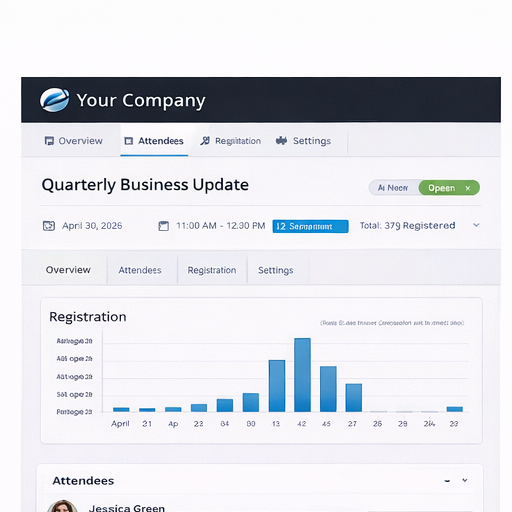
For business-critical events, many organizations prefer professionally supported platforms through Virtual Event Hosting, where the experience is managed end-to-end.
2) Audience engagement tools
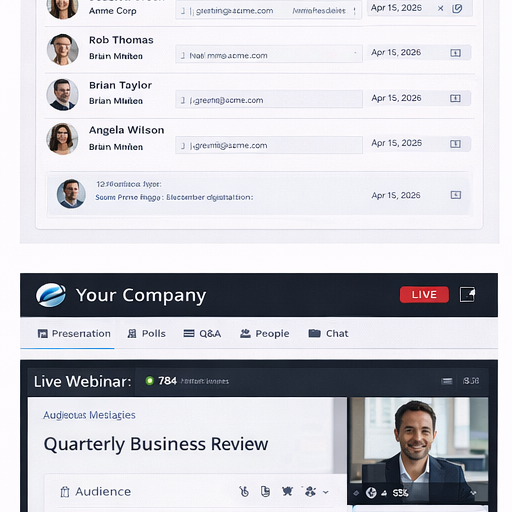
In 2026, engagement is the difference between a successful virtual event and a forgettable one. Engagement tools keep audiences involved and transform webinars into conversations.
Look for platforms that support:
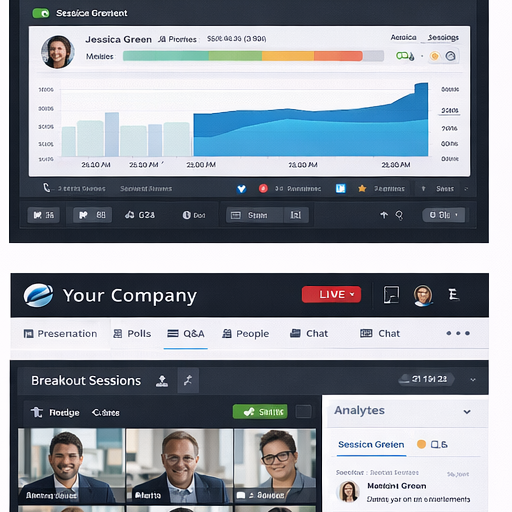
- Moderated Q&A (with upvoting, sorting, and speaker routing)
- Polls and surveys at key moments
- Chat and discussion panels
- Hand-raising and participation controls
- Breakout sessions (when appropriate)
- Real-time feedback prompts
3) Operator-assisted conferencing for high-stakes events
For investor relations, legal, government, compliance, and executive communications, audio control is often non-negotiable. Operator-assisted conferencing adds a layer of professionalism and reliability that DIY meeting tools can’t match.
Operator support can include:
- Managed speaker line access
- Live Q&A facilitation
- Participant muting/unmuting and line control
- Real-time troubleshooting
- Structured, broadcast-style moderation
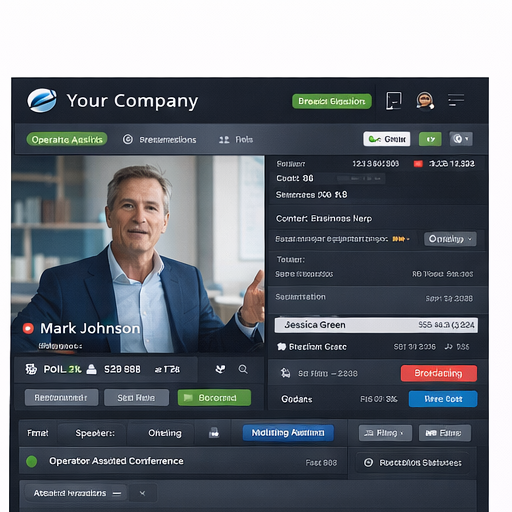
For these scenarios, businesses often use Operator Assisted Conferencing as the backbone of the event experience.
4) Webcasting technology for large audiences
When events scale beyond a few hundred attendees—or when you need a broadcast-like experience—webcasting becomes essential. Webcasts are ideal for view-only audiences with high reliability, consistent delivery, and built-in replay options.
Common webcast use cases include earnings calls, investor days, product launches, industry panels, and executive keynotes.
Learn more about Webcasting Services for large-scale stakeholder events.
5) Registration, access control, and security tools
Security has become a baseline expectation in 2026. Beyond passwords, businesses need workflows that support registration, secure access links, role permissions, waiting rooms, and attendance tracking—especially when content is confidential or regulated.
Security matters most for board meetings, compliance sessions, investor communications, and private strategy meetings—where access control is part of risk management.
6) Recording, replay, and content repurposing
Recording is no longer optional—it’s how organizations extend the value of the event. Recordings allow on-demand access, internal training reuse, compliance documentation, and marketing repurposing (clips, highlights, and follow-up resources).
7) Collaboration and unified communications
Virtual events don’t exist in isolation. Many organizations integrate events into a broader cloud communications layer that includes business calling and team collaboration—especially for distributed teams.
See how businesses support hybrid work with Virtual Work Phone solutions.
8) Professional event hosting and production support
Even the best platform can fall flat without strong execution. Professional hosting improves pacing, transitions, speaker cueing, audience management, and technical issue resolution—all of which influence engagement and brand perception.
For business-critical events, consider Virtual Event Hosting to ensure a polished experience from start to finish.
9) Analytics and measurement
In 2026, businesses measure event performance—not guess it. Useful metrics include attendance duration, engagement actions (polls, Q&A, chat), replay views, and drop-off points. These insights help teams improve future events and demonstrate ROI.
What technology stack do businesses really need?
Most organizations benefit from a layered approach:
For internal corporate meetings
- Collaboration platform + engagement features
- Recording + secure access
- Optional operator support for executive sessions
For external webinars and marketing events
- Registration + engagement tools
- Moderation + replay
- Analytics tracking
For investor relations and large stakeholder events
- Operator-assisted conferencing
- Webcasting technology
- Professional hosting + enterprise controls
Want help choosing the right stack? Start here: Virtual Events · Virtual Event Hosting · Operator Assisted Conferencing · Webcasting
