
In 2026, virtual conferences and webinars are no longer just about broadcasting information. They are powerful engagement engines that influence buying decisions, employee alignment, investor confidence, and brand perception. Yet many organizations still struggle with low attendance, passive audiences, and poor interaction.
The truth is simple: engagement doesn’t happen by accident. It is designed. In this guide, we’ll explore how to increase engagement in virtual conferences and webinars using proven best practices, modern technology, and professionally managed virtual event platforms.
Why Engagement Is the New ROI
Day In today’s digital-first business environment, engagement is the true measure of success. A webinar with 1,000 registrations but 10 active participants delivers less value than a 200-person event with real interaction.
Engagement drives:
- Knowledge retention
- Decision-making
- Brand trust
- Lead quality
- Executive influence

Modern organizations now prioritize audience interaction as highly as content itself.
Engagement Starts With the Right Virtual Event Platform
One of the biggest engagement killers is poor technology. If attendees struggle with logins, audio quality, or viewing slides, they disengage before the meeting even starts.
High-performing organizations use enterprise-grade Virtual Events platforms that support:
- HD audio and video
- Live Q&A and moderated chat
- Polling and surveys
- Screen sharing and content switching
- Recording and replay
- Technical support
👉 Learn more about Virtual Events
Use Live Moderation to Drive Interaction
The most engaging virtual events do not rely solely on speakers. They rely on professional moderators who guide the experience.
Experienced Moderators:
- Introduce speakers
- Manage time
- Curate audience questions
- Control microphone access
- Resolve technical issues
- Keep energy high
This is where Virtual Event Hosting makes a measurable difference. A professionally hosted event feels controlled, smooth, and interactive instead of chaotic or silent.
Design Interaction Into the Agenda
Engagement is not a feature — it is an agenda decision.
Every high-performing virtual conference includes:
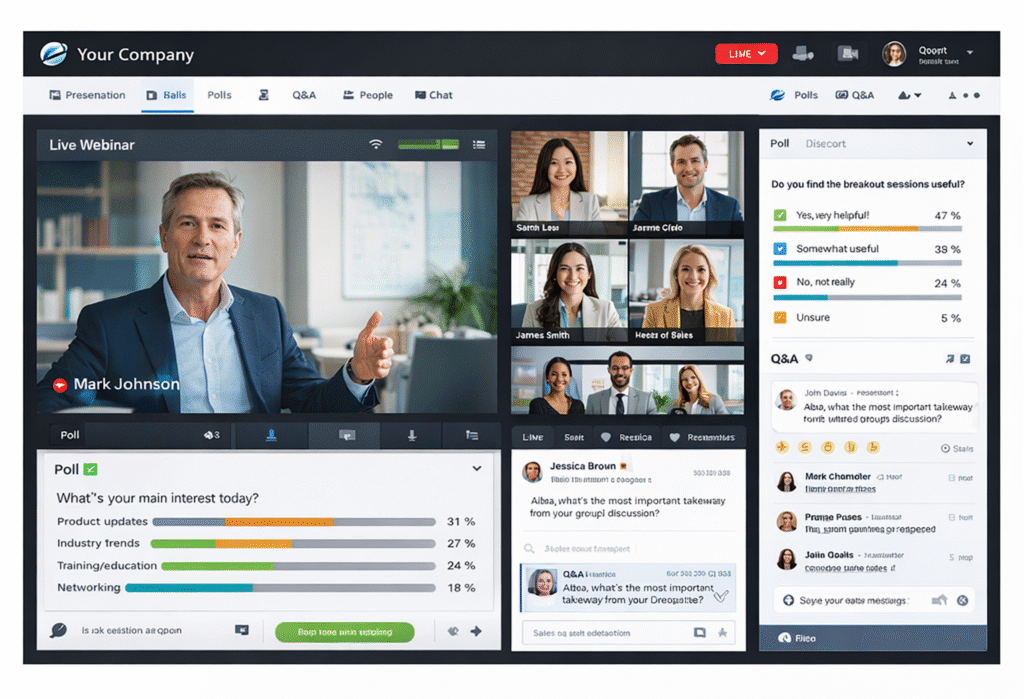
- Polls at key moments
- Live Q&A segments
- Interactive discussions
- Breakout rooms (when appropriate)
- Audience chat prompts
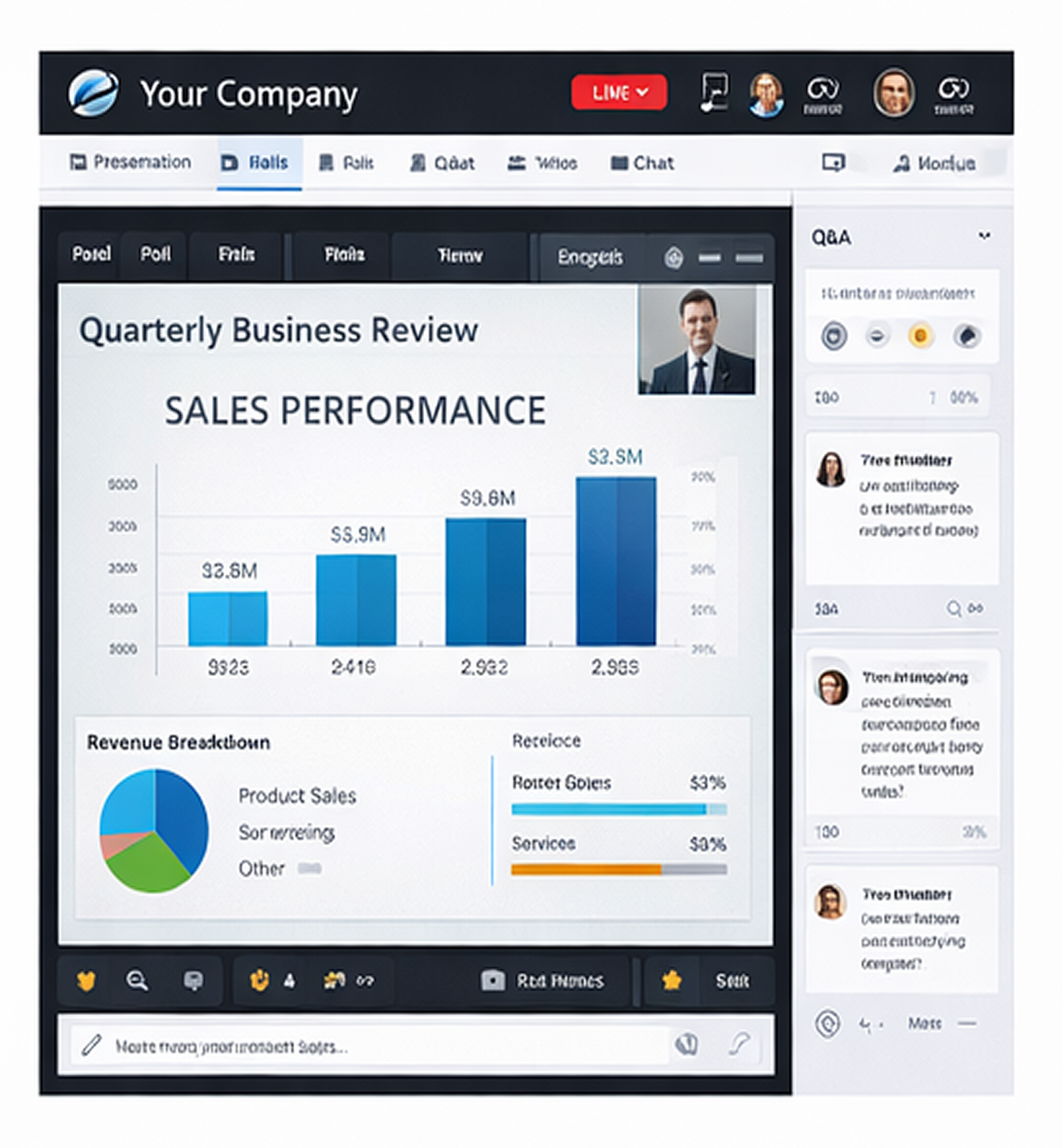
Instead of scheduling 60 straight minutes of presentations, leading organizations now design “engagement beats” into their agendas every 10–15 minutes.
Combine Video, Audio, and Operator Assistance
When attendees can both see and hear presenters clearly, engagement rises. But when you add operator-assisted audio to virtual events, participation increases even more.
Operator-assisted conferencing allows:
- Clear audio for speakers and audience
- Live microphone management
- Speaker priority and queuing
- Real-time troubleshooting
- Professional Q&A handling
👉 Operator Assisted Conferencing
This is especially powerful for:
- Investor calls
- Earnings briefings
- Compliance events
- Town halls
- Executive presentations
Train Speakers for Digital Engagement
In virtual events, even great speakers can struggle without preparation. Digital delivery requires different pacing, eye contact, and interaction techniques.
High-engagement virtual speakers:
- Speak in shorter segments
- Address the audience directly
- Refer to polls and questions
- Use visual storytelling
- Pause for interaction
Rehearsals with the production team dramatically improve performance and confidence.
Use Polls and Surveys Strategically
Polls are one of the most effective engagement tools in virtual events.
They:
- Wake up passive listeners
- Provide instant feedback
- Drive participation
- Make attendees feel heard
Poll results also give presenters real-time insights into audience sentiment and understanding.
Breakouts Create Community
When appropriate, breakout rooms turn large virtual audiences into smaller interactive groups. These are especially effective for:
- Training sessions
- Workshops
- Sales kickoffs
- Leadership meetings

People are far more likely to speak in a group of five than in a group of 500.
Record, Replay, and Re-Engage
One of the biggest missed engagement opportunities is what happens after the event.
Recording your virtual conference allows you to:
- Re-engage attendees who missed parts
- Reach people who couldn’t attend
- Share clips internally
- Extend the life of your content
This transforms a single event into a long-term engagement asset.
Use Webcasting for Large, High-Impact Events
For large audiences, traditional meeting tools struggle. That’s why many enterprises use Webcasting for:
- Investor days
- Product launches
- Earnings calls
- Company-wide broadcasts
Webcasting ensures stable delivery and consistent quality for hundreds or thousands of viewers.
Measure Engagement, Not Just Attendance
Modern virtual event platforms allow organizations to track:
- Who attended
- How long they stayed
- Poll participation
- Questions asked
- Replay views
This data helps marketing teams, HR leaders, and executives understand what actually worked.
Why Engaging Virtual Events Are a Competitive Advantage
In 2026, virtual engagement is how companies:
- Build trust
- Educate markets
- Align teams
- Influence investors
- Accelerate sales
Organizations that master engagement outperform those that simply broadcast.
Why Businesses Choose Us
We provide fully managed virtual event and conferencing solutions designed for business-critical communications.
Whether you’re hosting:
- A virtual conference
- A global town hall
- An earnings call
- A training program
- A customer webinar
…our platforms, operators, and production teams ensure your audience stays engaged, focused, and confident in your message.
👉 Virtual Events
👉 Virtual Event Hosting
👉 Operator Assisted Conferencing
👉 Webcasting
Final Thoughts
Engagement is not a side effect of virtual events — it is the outcome of deliberate design, professional execution, and the right technology. In 2026, organizations that invest in engagement will continue to win attention, trust, and results. Contact Us today to connect with an expert or learn more about How to Set Up a Virtual Event.
